
Create PDF from templates
Generate certificates, invoices and bills from Picnie templates - fill dynamic fields, preview live and export print-ready PDFs. No design skills or Acrobat required.
- Certificate templates
- Dynamic name & date fields
- A4 & Letter
- Batch via API
Certificates, invoices & bills · Automate with API
Certificate of Participation
Template · dynamic fields
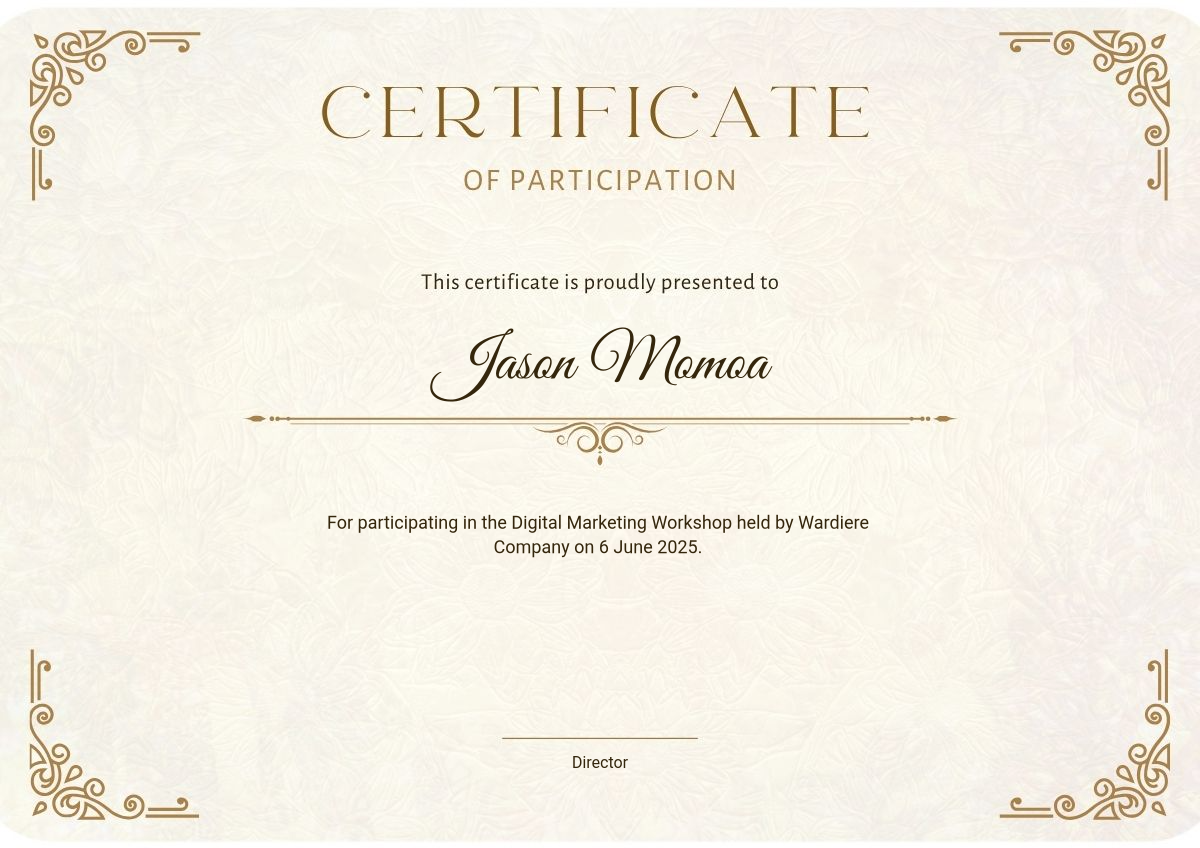
Dynamic fields
One PDF for every workflow
Product lookbook
12 images → 1 PDF
Course certificate
Template + dynamic name
Client invoice
Line items from Sheets
Pitch deck export
Slides as print-ready PDF
Why create PDFs with Picnie
Images to PDF
Merge JPG, PNG and WEBP in the order you choose.
Template PDFs
Certificates, invoices and bills with dynamic fields.
Print-ready sizes
A4, Letter and custom margins for clean exports.
Batch & API
Generate thousands of PDFs from CSV, Sheets or REST.
Private processing
Files auto-deleted after processing - not used for training.
No Acrobat needed
Browser tool plus automation - skip desktop licenses.
How to create a PDF online
Pick a template
Certificate, invoice or bill from the Picnie library.
Set page layout
A4 or Letter, portrait or landscape.
Fill dynamic fields
Name, course, date, amounts - or map from CSV/API.
Download or automate
Export one PDF or batch with webhooks.
Built for document workflows
Ecommerce
Lookbooks & line sheets
Education
Certificates & transcripts
Finance
Invoices & statements
Marketing
One-pagers & media kits
HR
Offer letters & policies
Developers
PDF via Create PDF API
Generate PDFs at scale
Fill templates with dynamic data or assemble image URLs into a single PDF - ideal for certificates, invoices and report exports.
View API docscurl -X POST https://picnie.com/api/v1/create-pdf \
-H "Authorization: YOUR_API_KEY" \
-H "Content-Type: application/json" \
-d '{
"project_id": "1",
"template_id": 2020,
"template_name": "Daily Motivation",
"type": "pdf",
"details": [
{
"name": "background_image",
"image_url": "https://picnie.com/data/api_raw_assets/image_bg_0_20240108213254.png"
},
{ "name": "Title_0", "text": "@reallygreatsite" },
{ "name": "Title_1", "text": "One step at a time" }
]
}'Create PDF FAQ
Create your PDF
in seconds.
From image albums to branded certificates - export once or automate with the API.