
Enhance & upscale images with AI
Turn soft, low-res photos into crisp, print-ready assets. Upscale 2× or 4× with AI detail recovery - in one click.
- 2× or 4× upscale
- Detail recovery
- Free to try
- API ready
Works with JPG, PNG · Up to 25 MB per image
Upscale
Trusted for sharper, higher-res visuals
From old product shots to compressed social uploads - Picnie AI Enhancer recovers detail you thought was lost.
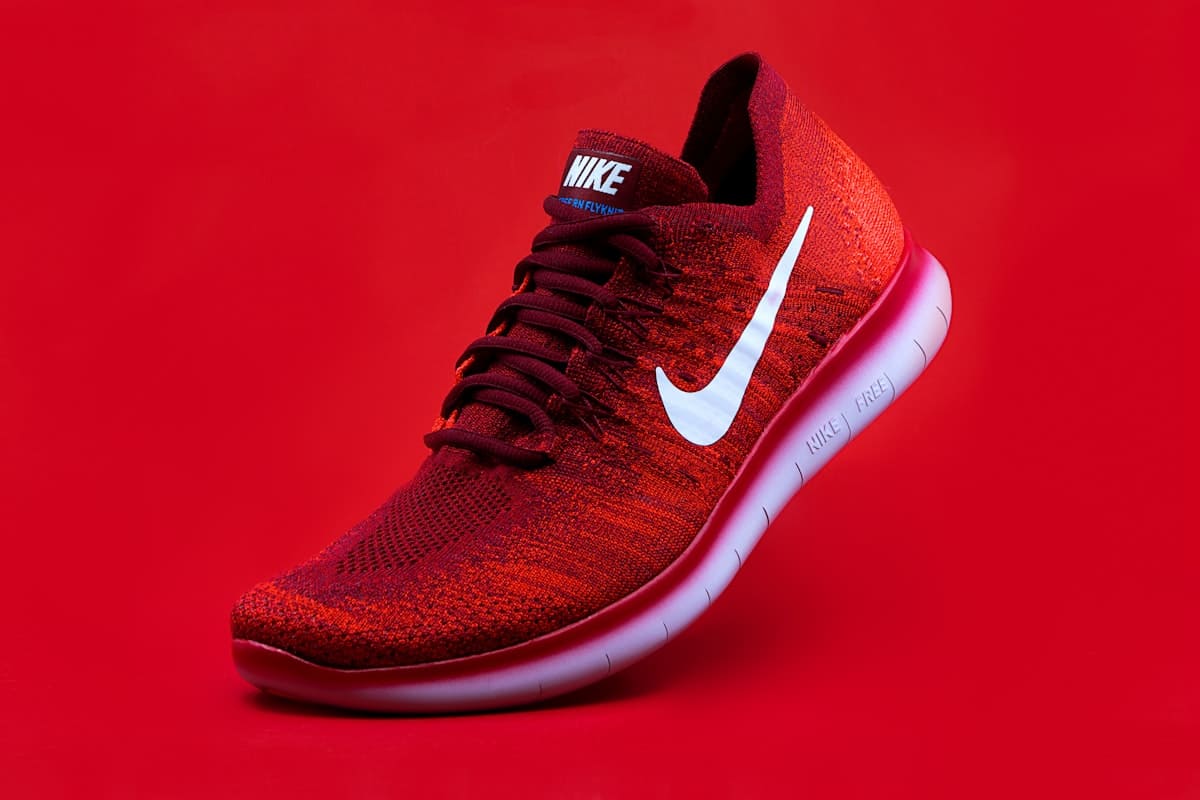
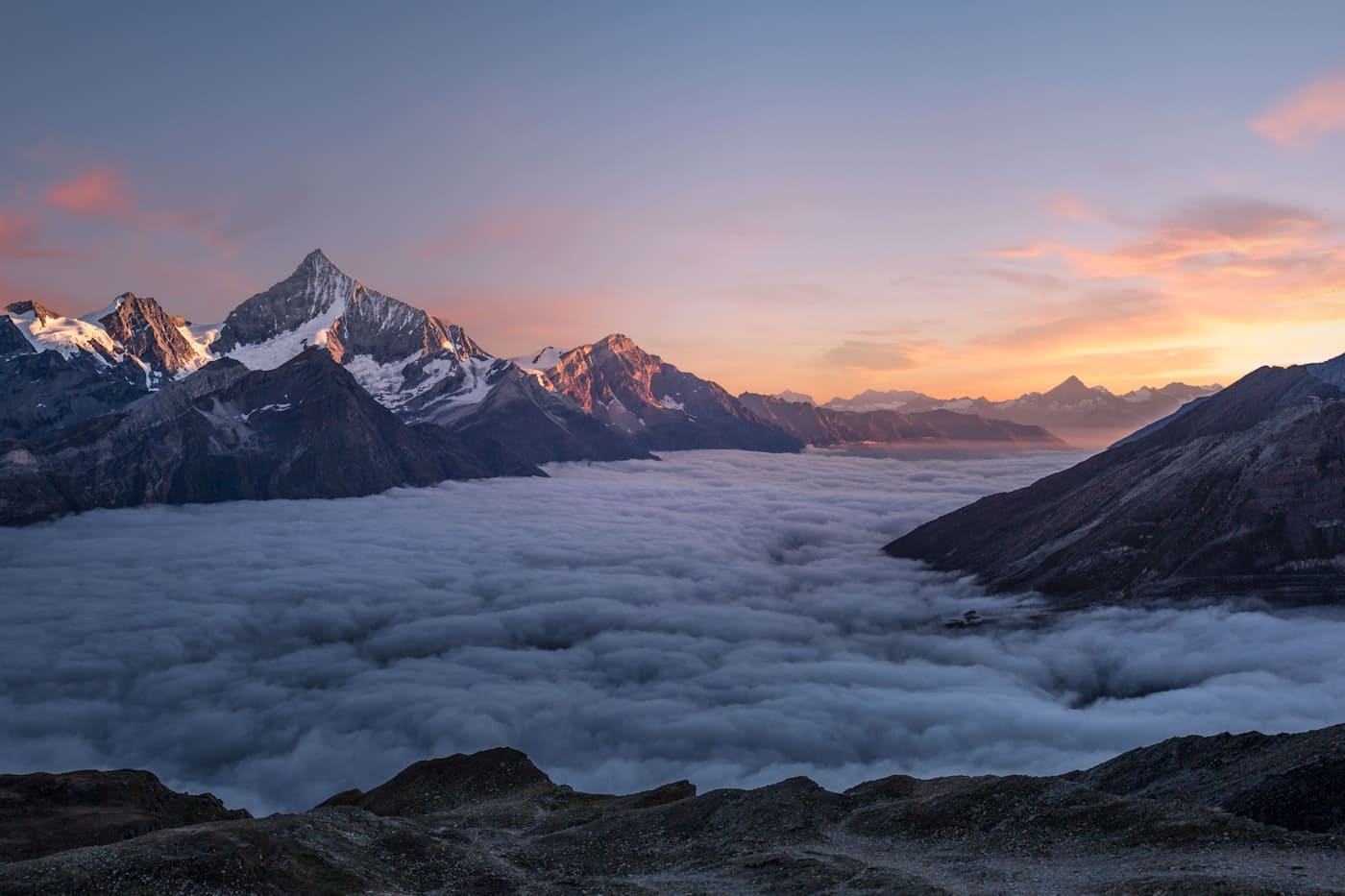
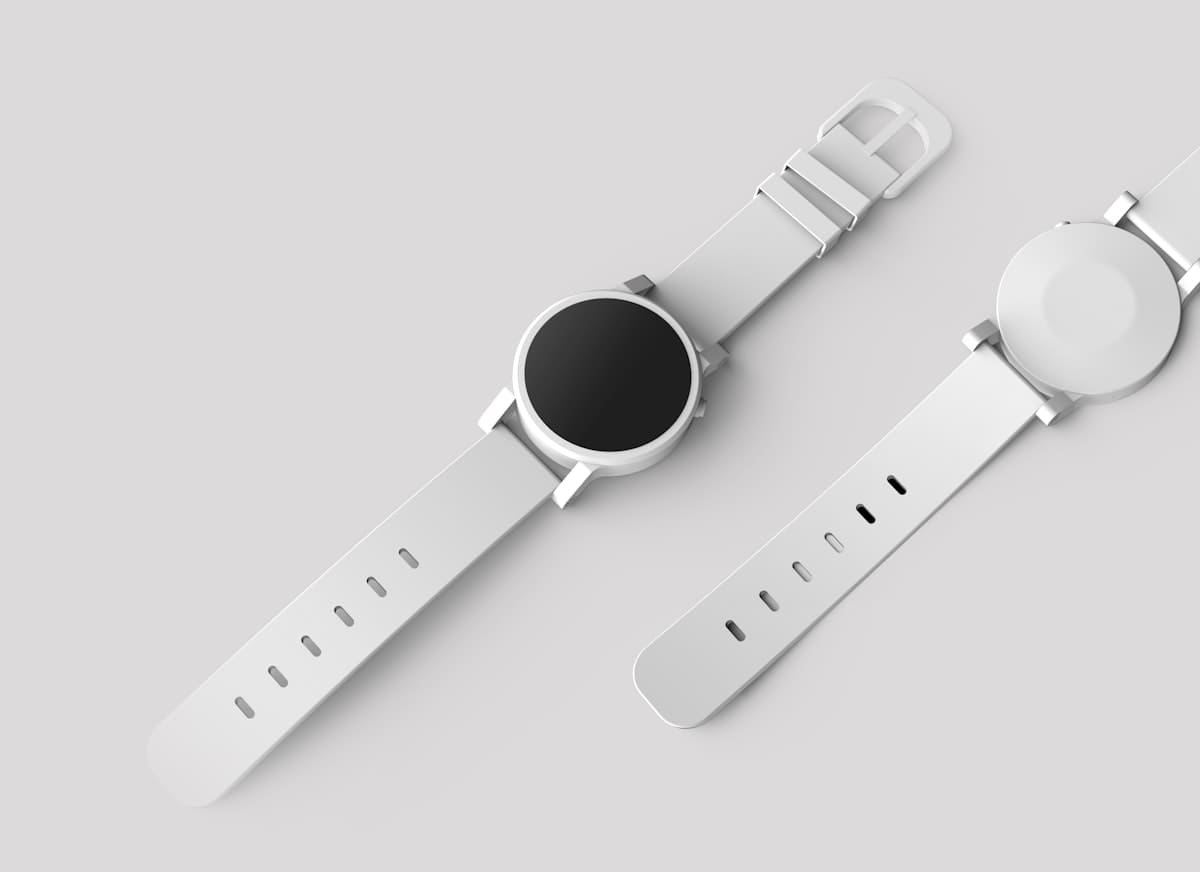
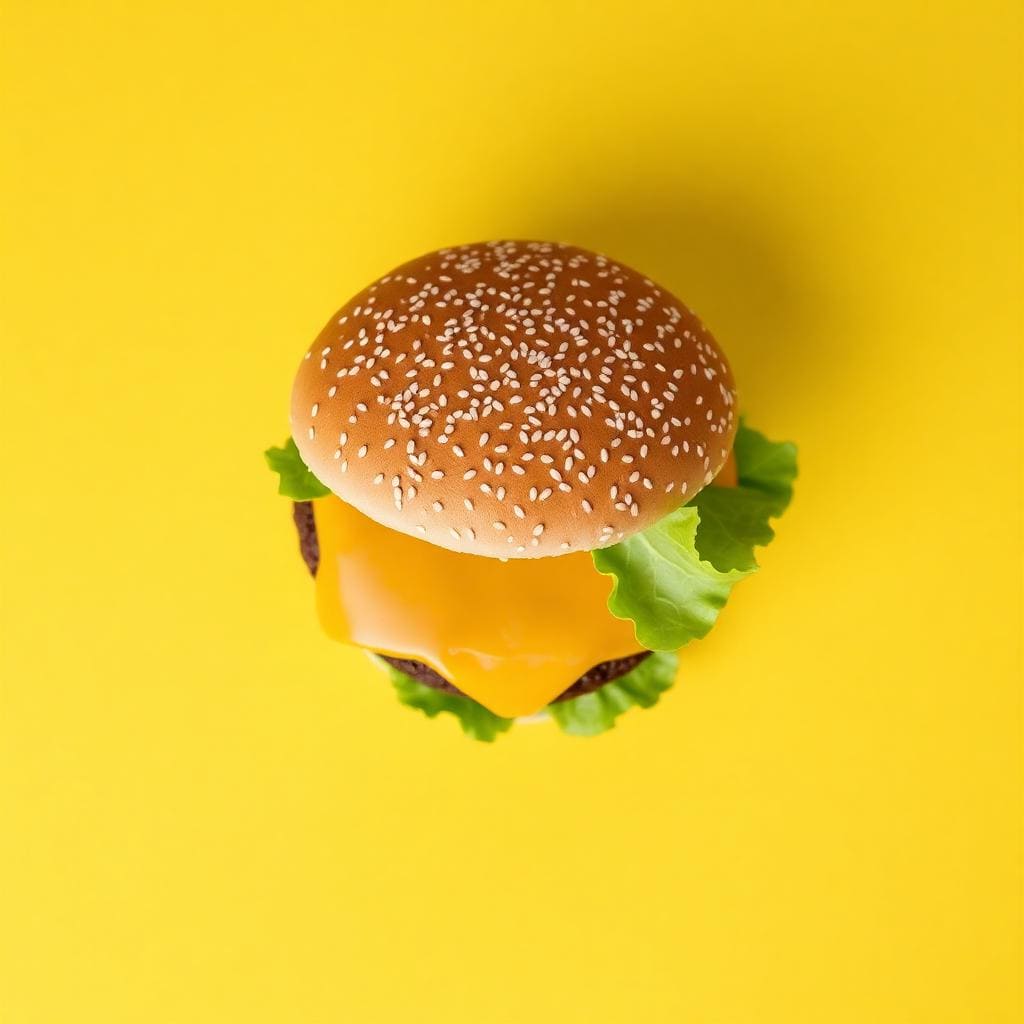
See the difference AI enhancement makes
Cleaner edges, recovered texture and higher resolution - without the plastic look of basic upscalers.


Why use Picnie AI Enhancer
Up to 4× upscale
Increase resolution for print, zoom and marketplace requirements.
Detail recovery
AI reconstructs edges and texture lost in compression.
REST API
Automate enhancement in your pipelines with a simple JSON endpoint.
PNG output
High-quality PNG downloads ready for print and web.
2× or 4× presets
Choose the upscale factor that fits your workflow.
Fast & private
Most images finish in seconds. Auto-deleted after one hour.
How to enhance images online
Three steps. Under five seconds. Zero setup.
Upload image
JPG or PNG up to 25 MB.
Choose upscale
Select 2× or 4× enhancement.
Download result
Get a high-res PNG ready to use.
Built for every workflow
Ecommerce
Sharper product zoom
Photographers
Rescue soft shots
Marketing
Upscale ad creatives
Developers
Enhance via API
OCR prep
Sharpen scans first
Higher DPI output
Automate image enhancement
Upscale images programmatically with 2× or 4× enhancement. Webhooks and batch jobs via the dashboard.
View API referencecurl -X POST https://picnie.com/api/v1/enhance-image \
-H "Authorization: YOUR_API_KEY" \
-H "Content-Type: application/json" \
-d '{
"project_id": 1,
"image_url": "https://picnie.com/data/raw_images/demo_bg1.jpg",
"scale": 2
}'Frequently asked questions
Sharper images,
higher resolution.
Upload once. Choose your upscale. Download print-ready results.