
Workflows · triggers · runs
Automate catalog imagesfrom shot to listing-ready.
Build ecommerce image workflows in the Picnie dashboard - chain remove background, resize, compress and watermark, then fire them with manual, upload, schedule or webhook triggers.
- Multi-step workflows
- Upload & schedule triggers
- Run history
- Webhook + API
JPG, PNG, WEBP · Save to project · Email & webhook outputs
 Input
Input Output
Active steps
- 1.Remove BG
- 2.Resize
- 3.Compress
Trigger: On upload · Save to project
Run queue processing…
Workflow steps
Trigger
Trusted by ecommerce & marketplace teams
From D2C brands to aggregators running catalog image workflows every season.
“Upload trigger + remove-bg → resize → compress means every new product shot lands listing-ready without a retoucher queue.”
“We replaced four tools and a spreadsheet of macros. One automation per marketplace keeps our Q4 launches on schedule.”
“Webhook-triggered workflows after PIM sync - run history and notifications keep engineering and catalog ops in sync.”
Configure once. Run on every image.
Toggle steps on or off - most teams run remove background → resize → compress, with optional watermark for proofs. Each image gets its own run with step-level history.

Catalog grid
Workflow on every new SKU
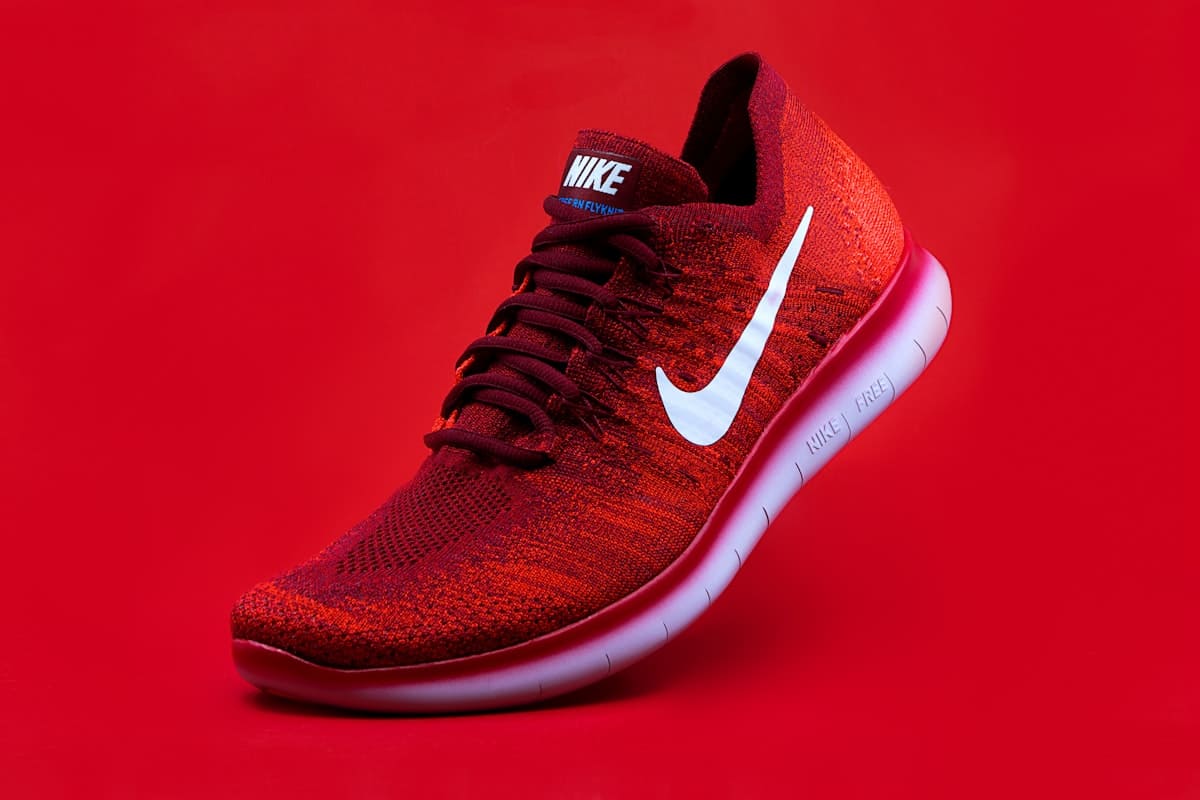
Hero product
Remove BG + resize steps

Amazon listing
Marketplace-ready output
Why teams use Picnie Automation
Chain the steps you need
Remove BG, resize, compress, watermark, AI enhance - then save, email or webhook the result.
Four ways to trigger
Run manually, on upload, on a schedule, or via webhook when your PIM or storefront syncs.
Run history you can trust
Every image gets its own run with per-step status - so catalog ops can debug without guesswork.
API & webhook ready
Kick off automations from your stack and push outputs to projects, email or external systems.
How catalog automation works
Create a workflow
Open Automation in the dashboard and name your catalog pipeline.
Add steps
Chain remove-bg, resize, compress, watermark and output actions.
Pick a trigger
Manual, on upload, schedule or webhook - choose how runs start.
Watch runs
Track each image through step history, then save or notify.
Built for catalog-scale ecommerce
Amazon & Walmart
White BG + size rules
Shopify & DTC
On-upload seasonal drops
Marketplace aggregators
Multi-channel workflows
PIM / ERP sync
Webhook-triggered runs
Supplier onboarding
Normalize vendor shots
Mobile commerce
Lightweight listing assets
More bulk tools from Picnie
Automate from your stack
Trigger image steps via REST, or fire dashboard automations with webhook inputs - then save to project, email results or send a webhook out.
- Workflow triggers
- REST APIs
- Per-image runs
- Webhooks
# 1) Create a project workspace
curl -X POST https://picnie.com/api/v1/create-project \
  -H "Authorization: YOUR_API_KEY" \
  -H "Content-Type: application/json" \
  -d '{ "project_name": "Campaign assets" }'

# 2) Run an image operation
curl -X POST https://picnie.com/api/v1/remove-background \
  -H "Authorization: YOUR_API_KEY" \
  -H "Content-Type: application/json" \
  -d '{ "project_id": 1, "image_url": "https://picnie.com/data/raw_images/demo_bg1.jpg" }'
Catalog automation FAQ
Batch tools handle one step at a time. Automation chains multiple steps - remove background, resize, compress, watermark and outputs - into a reusable workflow with triggers and run history.
Ready to automate your catalog images?
Build a workflow, choose a trigger, and let Picnie run remove-bg, resize, compress and more - with full run history.