
Resize many images in one run
Batch resizeup to 100 images.
Add files by select or drag-drop, pick multiple size presets or custom dimensions, start the batch, then export a ZIP. Built for ecommerce, ads and content ops.
- Up to 100 files
- Multi size presets
- Custom dimensions
- Export ZIP
JPG, PNG, GIF, WEBP · Up to 100 files · 25 MB each
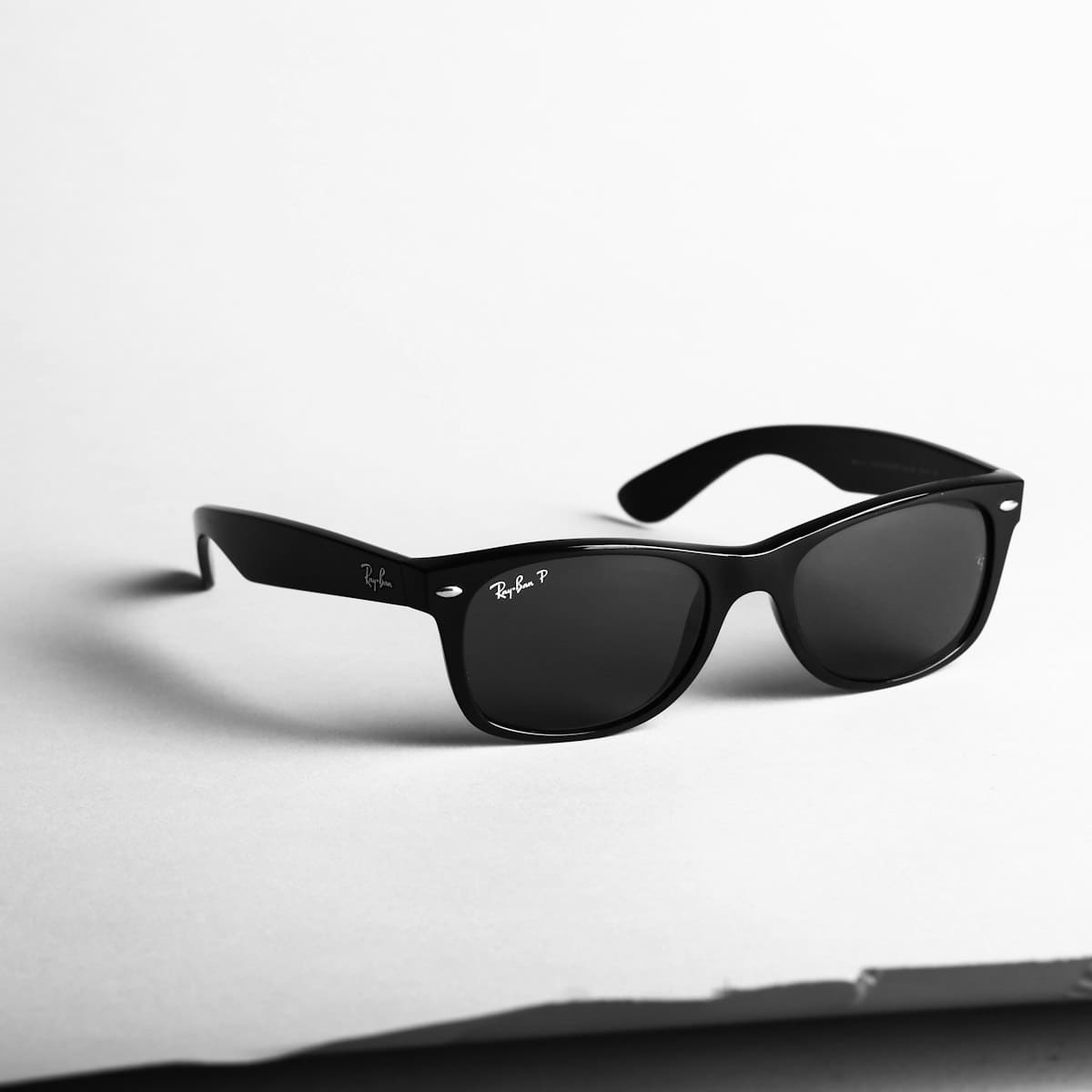 Sample output
Batch settings
- Preset
- Amazon
- Dimensions
- 2000×2000
- Aspect
- maintain
- Output
- Export ZIP
Ready to export ZIP
Channel preset
Trusted by teams resizing at catalog scale
Ecommerce, agencies and platforms run high-volume resize jobs on Picnie - in the dashboard or via API.
“We drag in product shots, pick Amazon and Instagram sizes, then export one ZIP. Season launches are much faster.”
“Our agency runs five brands through multi size presets - Instagram, Meta and email sizes export in a single ZIP.”
“The Resize Image API plus webhooks replaced our cron + ImageMagick scripts. Batches notify Slack when done.”
One preset. Every channel covered.
Pick a marketplace or social size once - apply it to the entire batch. Or define custom width, height and fit per job.
 Instagram
 Facebook
 LinkedInAmazon
 Web hero
 Email
EmailBuilt for volume, not one-offs
Everything you need when a spreadsheet of SKUs becomes a queue of resized assets.
Multi-file batches
Select or drag-drop up to 100 images - JPG, PNG, GIF or WEBP, 25 MB each.
Multi size presets
Apply several channel sizes in one run, or add custom width and height - maintain aspect when you need it.
Start batch, track progress
Queue files, start the job, and watch outputs complete - then export everything as a ZIP.
ZIP export
Download all resized outputs in one archive - ready for CDN upload or marketplace import.
How batch resize works
Four steps from raw catalog to channel-ready assets.
Add files
Select or drag-drop up to 100 images (not folders or ZIP as input).
Choose presets
Pick multiple channel sizes or custom dimensions - maintain aspect if needed.
Start batch
Picnie resizes each file × preset. Track progress as outputs complete.
Export ZIP
Download all resized outputs in one ZIP archive.
Who batch resize is for
Any team that outgrew resizing files one at a time in a desktop app.
Ecommerce catalogs
Marketplace-ready dimensions per SKU
Paid social
Meta, IG and story sizes from one master
Agency deliverables
Multi-brand batches with naming rules
App & web assets
@1x/@2x/@3x from a single upload
Email campaigns
Lightweight heroes for every template
API pipelines
Resize on ingest with webhooks
More bulk tools from Picnie
Chain steps or run the full catalog pipeline.
Automate batch resize
Use the Resize Image API inside projects and jobs. Pair with webhooks to notify your app when batch outputs are ready.
- Batch jobs
- REST API
- Parallel workers
- Webhooks
curl -X POST https://picnie.com/api/v1/resize-image \
  -H "Authorization: YOUR_API_KEY" \
  -H "Content-Type: application/json" \
  -d '{
    "project_id": 1,
    "image_url": "https://picnie.com/data/raw_images/demo_bg1.jpg",
    "width": 1080,
    "height": 1080
  }'
Batch resize FAQ
You can add up to about 100 images per batch, 25 MB each. Select or drag-drop files - folder and ZIP uploads are not supported as input.
Ready to resize your whole catalog?
Add files, pick size presets, start the batch, and export a ZIP - or automate with the API.