
Format conversion in your browser
Convert imagesto any modern format.
Turn JPG, PNG, GIF or WEBP into PNG, JPG, WEBP or AVIF. Convert one file or many, set quality, and download results — multi-file jobs export as a ZIP.
- JPG · PNG · GIF · WEBP in
- PNG · JPG · WEBP · AVIF out
- Quality slider
- Runs in your browser
Up to 100 images · 25 MB each · Files never leave your device
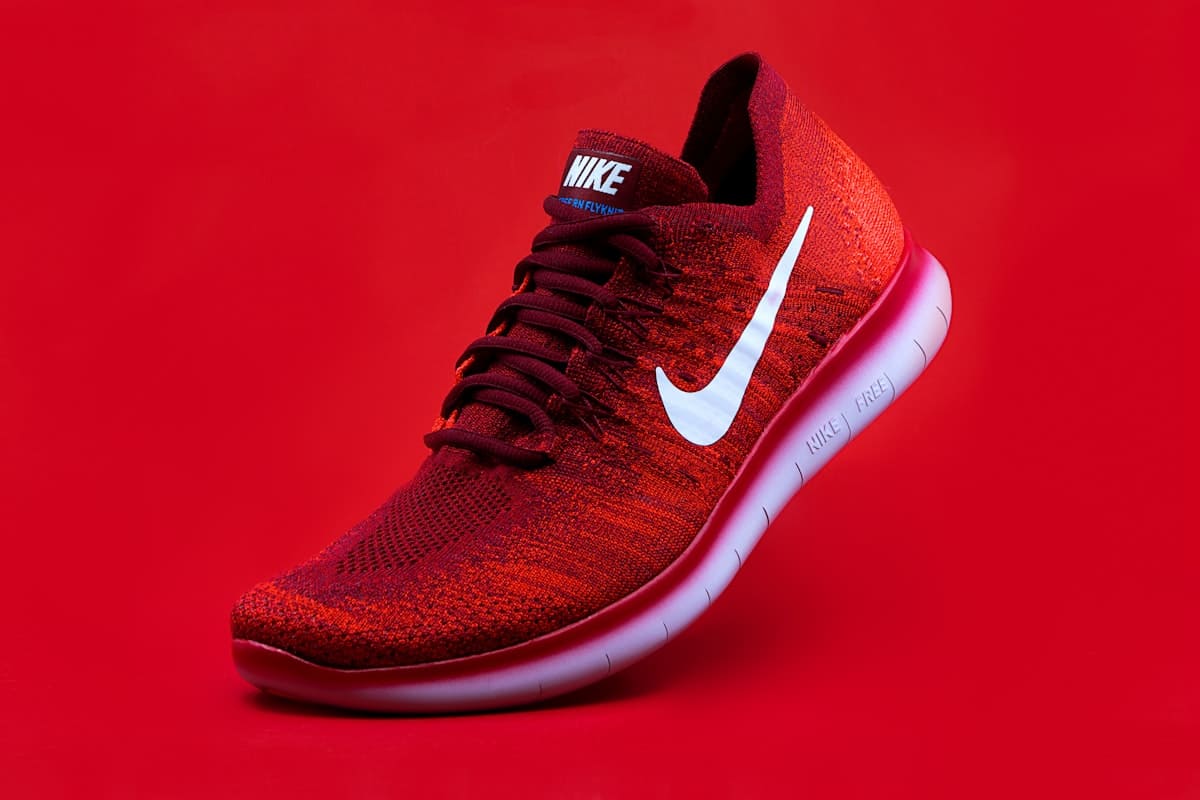 product.jpg
Convert settings
- Target
- WEBP
- Quality
- 85
- Privacy
- On-device
- Multi-file
- ZIP out
Ready in dashboard
Target format
Quality · 85
Format conversion teams trust
Local processing, modern formats, and ZIP export when you convert more than one file.
“WEBP for the web, PNG when we need transparency - one convert pass and a ZIP for the CDN.”
“Everything runs in the browser. We convert product packs without sending assets off-device.”
“AVIF when the browser supports it - quality slider makes tradeoffs obvious before we ship.”
Why convert with Picnie
Aligned with the Convert Images tool in the Picnie dashboard.
On-device privacy
Conversion runs entirely in your browser - files never leave your device.
Modern formats
Output PNG, JPG, WEBP or AVIF (when your browser supports encoding).
Multi-file + ZIP
Convert up to 100 images in one run. Single file downloads directly; multi-file exports as ZIP.
Quality control
Use the quality slider for lossy formats so you control size vs fidelity.

Hero → WEBP
Product → PNG

Social → JPG

App → AVIF
How image conversion works
Add files
Select or drag-drop JPG, PNG, GIF or WEBP images (up to 100).
Pick target format
Choose PNG, JPG, WEBP or AVIF and set quality if needed.
Convert
Processing happens locally in your browser.
Download
One file downloads directly; multiple files come as a ZIP.
Who convert images is for
Web performance
Ship WEBP or AVIF for lighter pages
Ecommerce
Normalize catalog formats for PDPs
Marketing
Match channel format requirements
Apps
Convert assets for mobile bundles
Design handoff
PNG when transparency matters
Dev workflows
Batch convert before deploy
Frequently asked questions
Input: JPG, PNG, GIF and WEBP. Output: PNG, JPG, WEBP and AVIF when your browser supports encoding. Animated GIFs convert using the first frame only.
Ready to convert your images?
Add files in the dashboard, pick a target format, and download results — ZIP when you convert more than one.